Single
$9.901 credit$9.90 per generation
Standard price12-second video · 1 credit per generation


One photo. A little mischief.
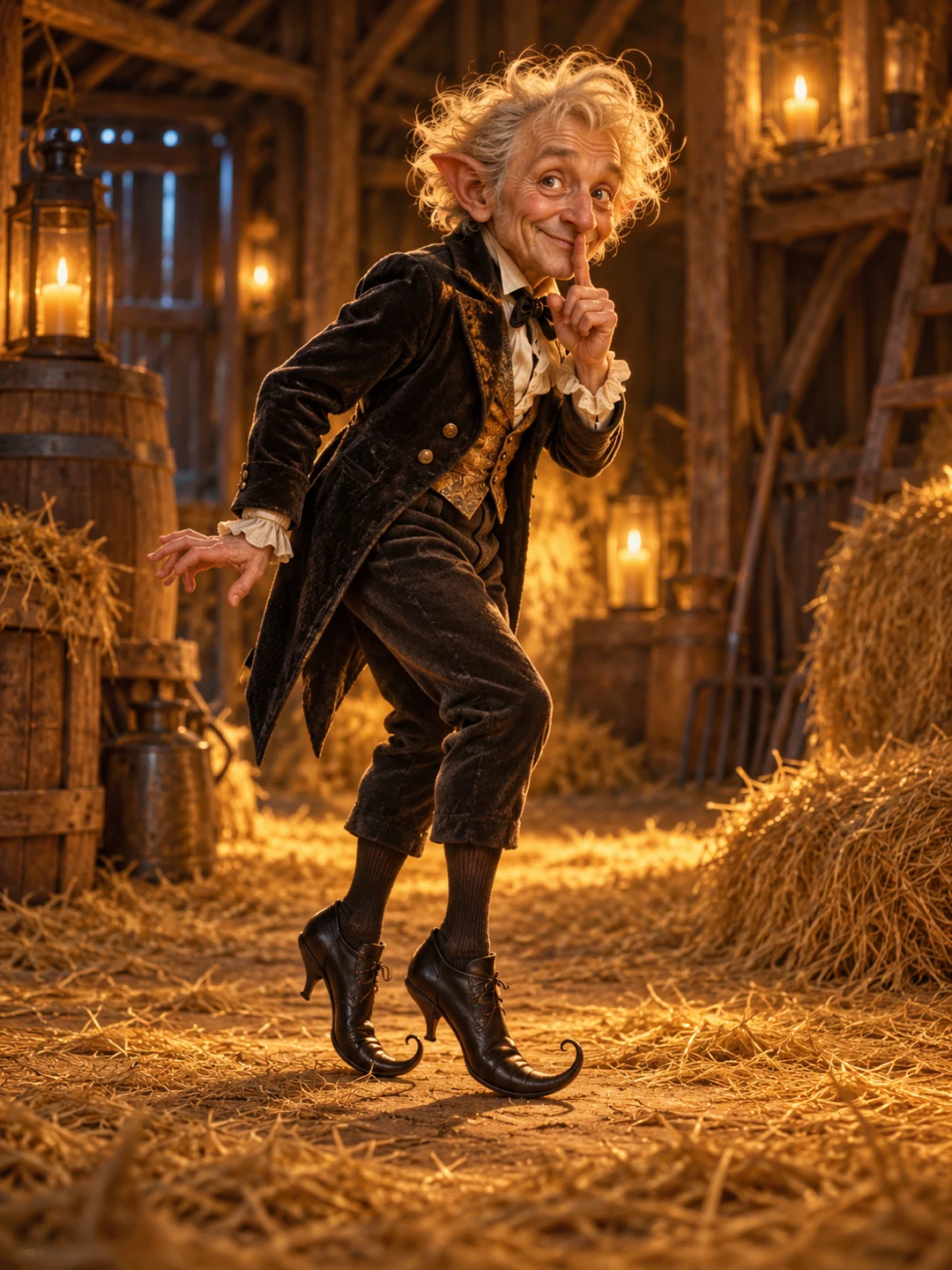
Your photo. A shush, a grin, a tiptoe dance. Make your own take on the tip toeing in my Jordans meme.
How it works1 CREDIT PER GENERATION
Each generation uses 1 credit for a 12-second video. Portrait and landscape cost the same. Pack prices are in US dollars.
$9.90 per generation
Standard price12-second video · 1 credit per generation
$8.90 per generation
Save about 10%12-second video · 1 credit per generation
$7.90 per generation
Save about 20%12-second video · 1 credit per generation
A familiar kind of mischief
Candlelight, a velvet tailcoat and a very knowing grin. These are the little details behind the tiptoe moment.
Scene details from our original concept artwork.
A simple flow, with your photos as the starting point.
One clear subject, a visible face and a little room around them. Upload a second photo to replace the default observer.
Pick a portrait or landscape frame. The classic outfit and fairy-tale barn set the scene.
Check your finished clip, download it, then add your sound when posting.
Behind the meme
The tiptoe meme pairs a mischievous, AI-made fairy-tale character with RiFF RAFF’s “Tip Toe Wing In My Jawwdinz.” A shush, a grin and a bouncy little entrance made the character instantly recognizable.
It looks like an old fantasy film, but reporting identifies the viral clip as AI-made. It is often confused with the separate 1987 Rumpelstiltskin movie.
Meme origin & movie mix-upKeep it simple: one subject and a face we can actually see.
Choose your photoPhoto tips, 720P video and adding the original song.
The video is 720P. Choose portrait (9:16) for vertical posts or landscape (16:9) for a wider frame.
Start with one photo for the dancer. We use the default observer unless you upload a second photo. Use only photos you have permission to use.
Reporting identifies the viral dance clip as AI-generated. The 1987 film is a different work. This independent project does not use footage from that movie.
No. The video does not include RiFF RAFF’s original recording. Add “Tip Toe Wing In My Jawwdinz” separately when posting; music rights are separate from the video.
Photos stay in your browser until you click Generate video. Submitting uploads them for content moderation and video generation. Your results are linked to your account. See our Privacy Policy for storage and deletion details.
Choose 9:16 for a vertical post or 16:9 for a wider scene. Keep the face clear in the source photo and leave room around the subject.
Download your video, then upload it to TikTok or Instagram Reels. Open the music library and search for RiFF RAFF — “Tip Toe Wing In My Jawwdinz.” Choose a segment, align the beat with the tiptoe entrance, and adjust or mute the video’s existing audio before posting. Song availability depends on your region and account.
Song & dance guide